I'm Jacob. I design complex software from zero to one, then build it.
Case studies
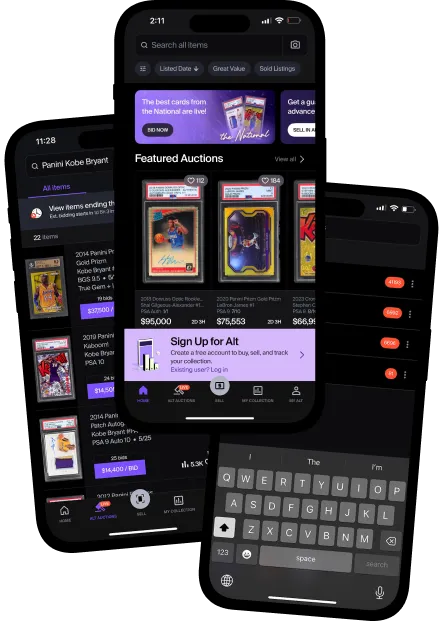
Building a design system from nothing
Built ALT's design system from nothing, across product and marketing
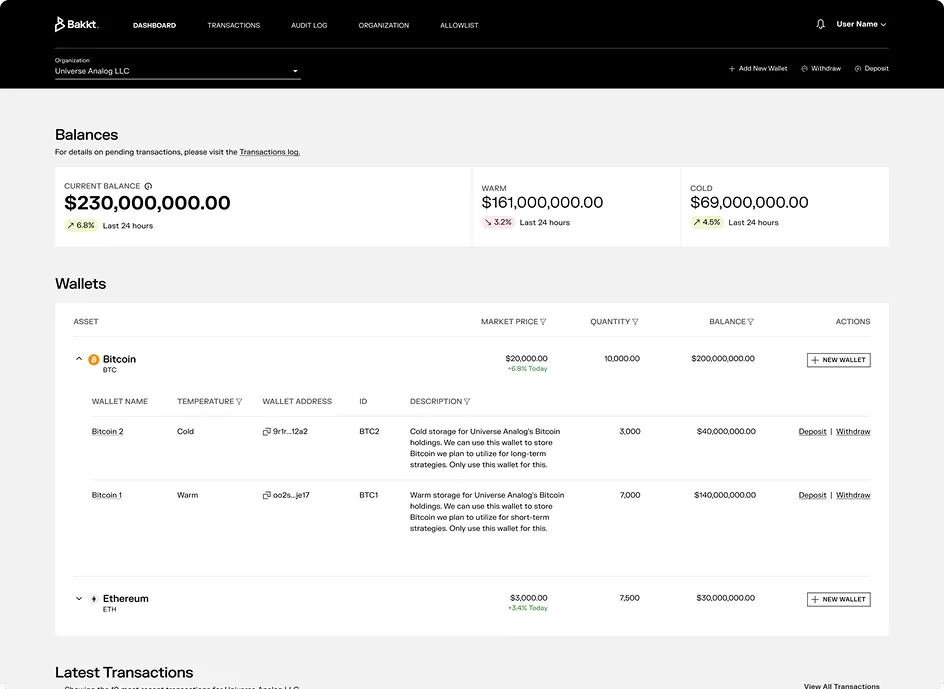
Designing institutional crypto custody
Designed institutional crypto custody from zero. It became Bakkt's core B2B product.
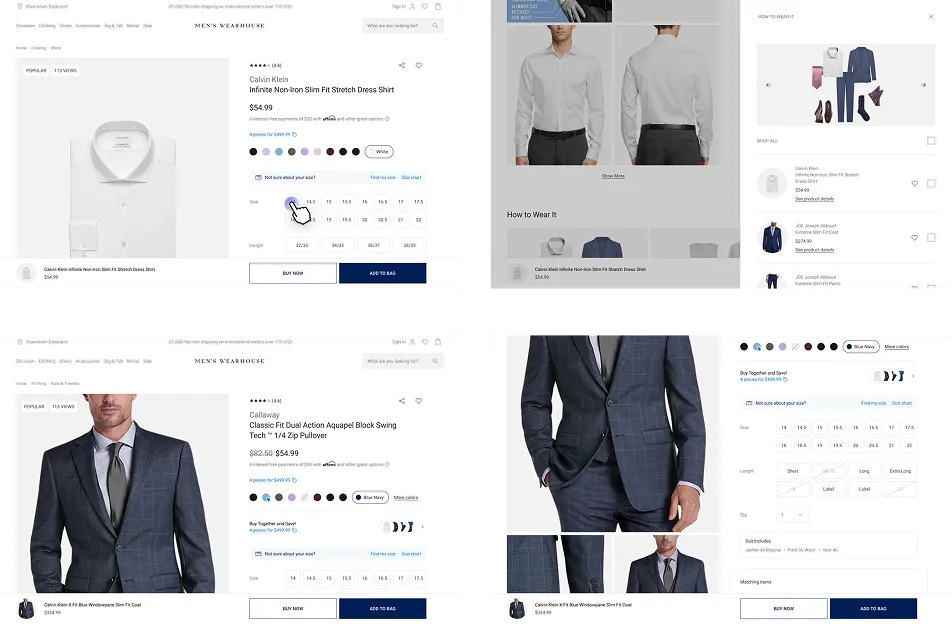
Bringing the suit fitting online
Turned the in-store suit fitting into an online style quiz that recommends outfits
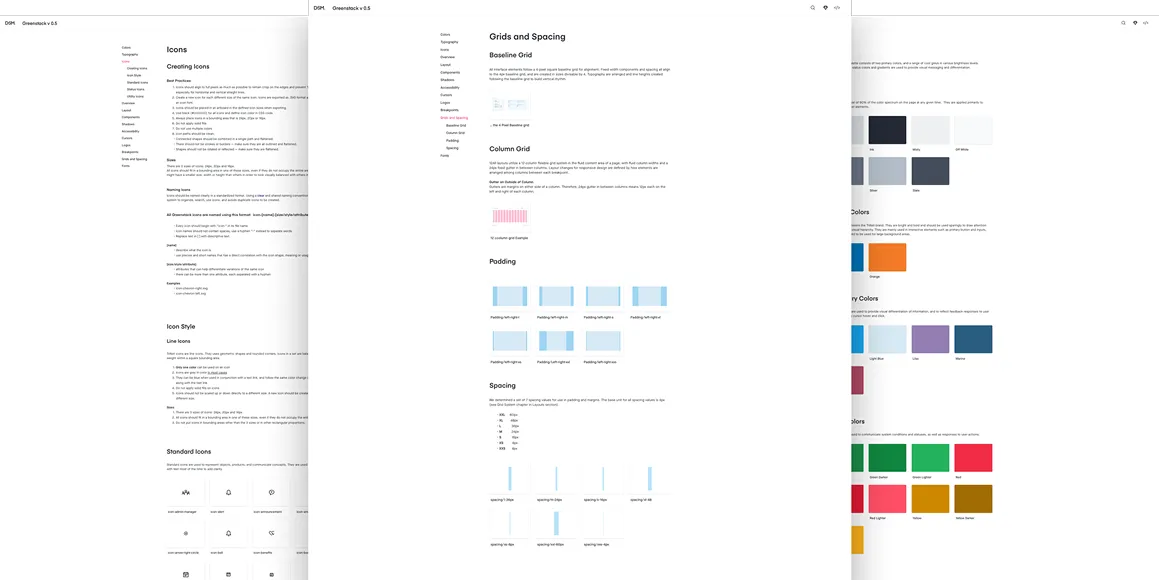
Designing HR software across 8+ products
Designed across 8+ HR products for thousands of businesses and millions of users
Side projects
- Atlas Radioatlasradio.xyz ↗ (opens in a new tab)
Tune into 12,000+ live radio stations on a globe
- Zinebinzinebin.com ↗ (opens in a new tab)
Browse decades of vintage magazine covers and layouts from the Internet Archive
- BonsaiQRbonsaiqr.com ↗ (opens in a new tab)
Turn any link into a voxel bonsai that hides a scannable QR code
How I use AI
AI gets me to a first version fast. I decide what's right and what ships.
- Explore
Claude turns a rough idea into conceptual wireframes and working prototypes I can react to right away. A working prototype that used to take a week now takes an afternoon.
- Research
Mobbin's MCP lets Claude pull real product flows and patterns straight into my research. Claude and Perplexity help me synthesize what I find into clear themes.
- Define
Claude drafts a first pass at product requirements, and I shape it from there.
- Design
MCPs connect Claude to Figma, Framer and the other tools I already use, so it works in my files. Skills carry my standards: Impeccable for design quality, Emil Kowalski's skills for interaction and motion, and copywriting skills for plain, specific words. The output isn't generic.
- Build
I build in code with Claude Code. This portfolio, the chat on it, Atlas Radio and Zinebin all came out of it, and I built BonsaiQR with Codex.
- Check
You can't fully trust AI, so I check everything. Accessibility checks run through the design and the build. I QA and test, review the code and go through the details by hand.
- Hand off
Claude drafts hand-off docs and specs, and I review them. I also design systems that AI can read: the one I built for ALT connects to Claude, so the team can build on it with AI.
- What stays mine
Direction, taste and every final call. AI fills gaps and speeds up the work. I don't let it drive.
ToolsClaude, Claude Code, Claude Skills, MCP servers, Codex, Figma, Miro, Craft, Perplexity